Equipment configuration
Compare the speed, paper capacity, scanning and finishing included in each option. Two machines can look similar while serving very different workloads.

Flexible copier leasing for South Florida offices
Get business-ready equipment, predictable planning and local support without paying for capacity or finishing features your team will never use.

Right-sized equipment
The monthly payment is only one part of a good copier decision. A machine that is too small creates delays, supply pressure and premature wear. One that is oversized can leave the business paying for speed, paper capacity or finishing it rarely uses.
We start with monthly volume, peak periods, color use, scan destinations, paper sizes, finishing needs and the number of people relying on the device. We also look at where the current process breaks down. That may be slow scanning, manual document routing, constant tray changes or a device that cannot keep up during deadlines.
The recommendation is then built around the work your team performs now and the growth you can reasonably expect. We explain the configuration and acquisition choices in plain language so you can compare the complete operating fit—not simply two quoted payments.
Talk with our local teamWhat to consider
The best lease comparison accounts for equipment capability, expected use, support expectations and what happens at the end of the term.
Compare the speed, paper capacity, scanning and finishing included in each option. Two machines can look similar while serving very different workloads.
Understand how maintenance, supplies, response and usage are handled in the proposed arrangement before signing.
Know the term, return or renewal responsibilities and how the agreement supports your likely plans over the full period.
Build the right specification
A productive leasing conversation starts with measurable work and the user experience you want to improve.
Use typical and peak volume, not only a quiet month. Include all users who will move to the new device.
Stapling, booklet finishing, mixed paper sizes and secure output can change the appropriate configuration.
Scan-to-email, folders, cloud destinations and searchable files may matter as much as print speed.
New staff, added locations or a changing client workload should be considered without paying for unrealistic growth.
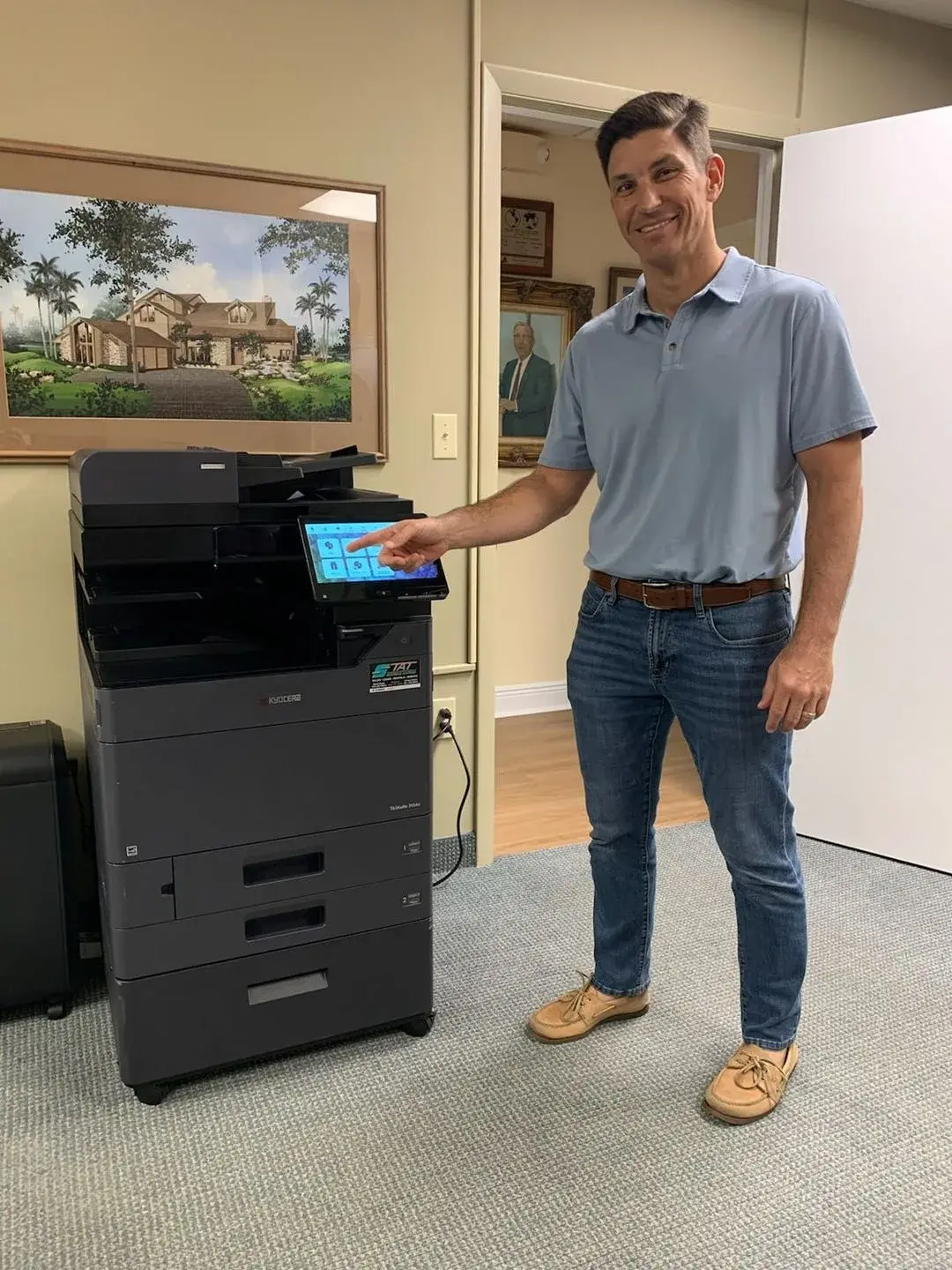
Implementation matters
Delivery should account for access, placement, electrical and network requirements. The device also needs to be configured around the office rather than left with generic settings that force employees to rebuild their workflow.
Basic user orientation helps teams use scanning, paper selection, address books and finishing correctly from the beginning. A clear local support path then gives the office one place to turn when supplies, service or configuration changes are needed.
A straightforward process
We make the requirements visible before the equipment is selected, reducing surprises after installation.
Tell us what you print, scan and finish, how much you produce, and where the current setup falls short.
We recommend appropriately sized options and explain the practical differences.
Evaluate the equipment, term, implementation and support approach together.
We coordinate delivery, setup, user orientation and continued local assistance.
Questions, answered
These are the details South Florida businesses most often want to understand before moving forward.
Ask a Specific QuestionMonthly and peak page volume, color usage, paper sizes, scanning, finishing, number of users and workflow demands all influence the right configuration. We review those factors instead of sizing from employee count alone.
Yes. Kyocera is our primary copier and multifunction line, and we can recommend a configuration based on the work your office needs to perform.
Compare the exact model and configuration, term, expected usage, service and supply assumptions, implementation responsibilities, and end-of-lease terms. A lower payment can hide a less suitable device or different scope.
Yes. Our local team supports the equipment after delivery. The exact service arrangement should be reviewed with the equipment proposal so responsibilities are clear.
Yes. Network printing and scanning requirements are reviewed before installation. Tell us where scans need to go and whether your office has security, address-book or file-format requirements.
Absolutely. We can help compare cash flow, expected use, feature requirements and total value across leasing, new purchase and available off-lease options.
Local help starts here