Fit for volume
Business devices should be selected for routine and peak output rather than pushed beyond the workload they were designed to handle.

Business printer leasing and fleet planning
Equip workgroups and departments with business printers selected for the volume, security and document workflows they handle every day.

Workgroup-ready printing
A collection of inexpensive desktop printers can become surprisingly expensive when every department buys different supplies, users wait on underpowered devices and nobody has a clear service plan. The opposite problem is placing a large centralized copier too far from teams that need frequent, confidential or specialized output.
We help decide where a dedicated business printer, multifunction printer or shared copier makes the most sense. The review considers page volume, distance to the device, color requirements, paper handling, scanning, confidential documents and the burden of supporting multiple models.
A lease can make equipment costs easier to plan while replacing consumer-grade or mismatched devices with hardware intended for business use. The most useful plan is not necessarily the one with the fewest printers. It is the one that gives each workgroup appropriate access without creating unnecessary supply, service and management complexity.
Talk with our local teamWhat to consider
Placement, consistency and device workload matter just as much as the feature list.
Business devices should be selected for routine and peak output rather than pushed beyond the workload they were designed to handle.
Some teams need nearby scanning, secure printing or dedicated access because of document sensitivity or frequent use.
Standardizing appropriate models can reduce the number of supply types, driver variations and support paths the office must manage.
Printer or copier?
The terms often overlap, especially when both devices can print, copy and scan. The practical distinction is how and where the equipment will be used.
A compact business printer can keep frequent output close to a department without sending every job across the office.
A larger multifunction copier can serve higher volume, larger paper sizes, advanced scanning and finishing.
Human resources, finance, legal and healthcare teams may benefit from secure output and carefully planned placement.
Many offices need a central multifunction system plus selected workgroup printers rather than forcing one device type everywhere.
Fewer hidden costs
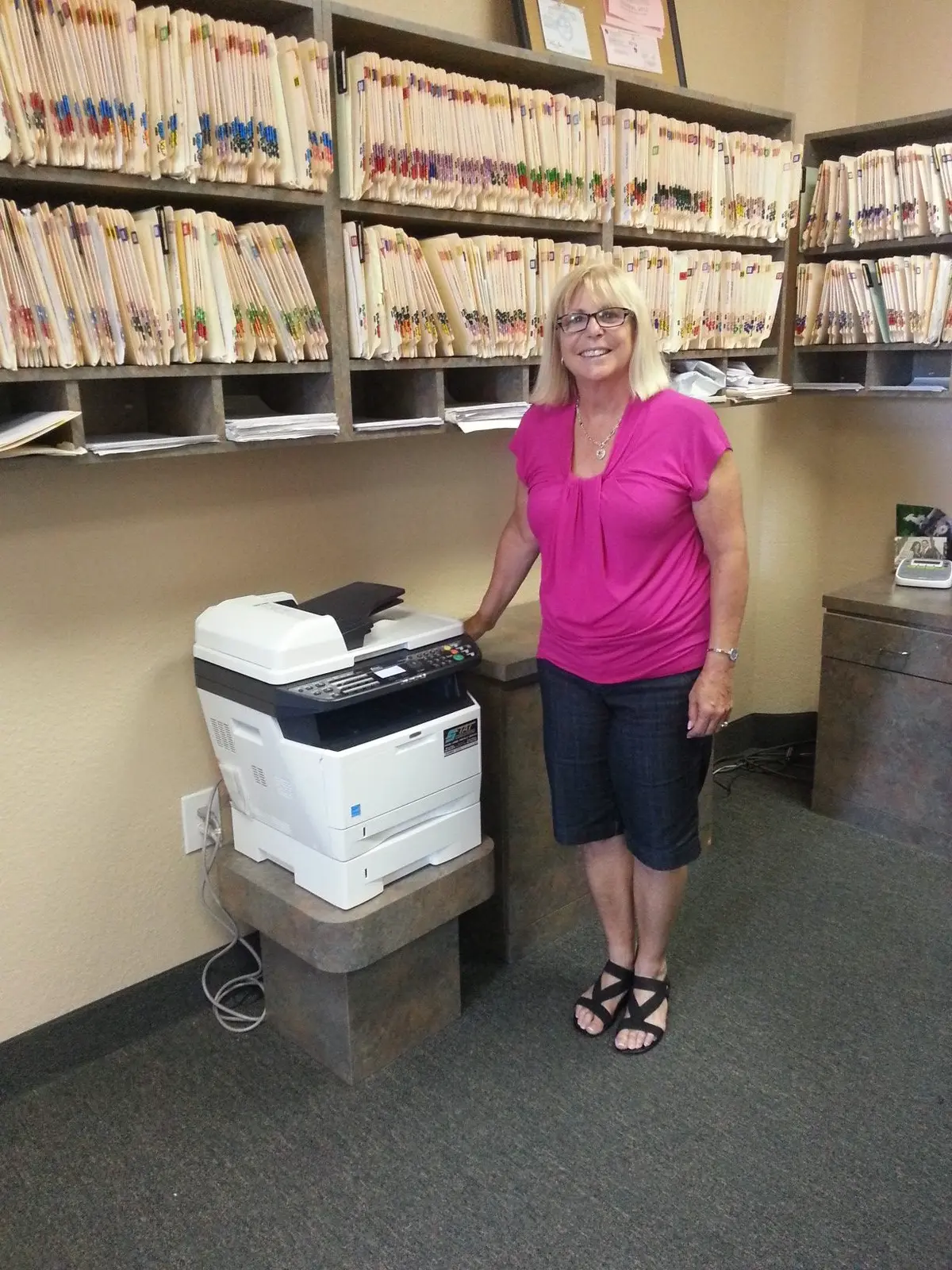
Removing printers solely to reduce device count can create longer walks, abandoned jobs at shared devices and frustration for teams with specialized needs. Effective consolidation starts by measuring how equipment is used and which users truly need nearby access.
The result may be fewer models, more consistent supplies and a clearer service path while still preserving convenient printing where it provides operational value.
A straightforward process
We keep each step clear so your team knows what happens next.
Identify devices, users, locations, volume, supplies and recurring workflow bottlenecks.
Separate routine workgroup printing from higher-volume multifunction and specialty requirements.
Choose appropriate business hardware and plan network, access and installation details.
Maintain a clear local contact for service, supplies and changes as the organization evolves.
Questions, answered
These are the details South Florida businesses most often want to understand before moving forward.
Ask a Specific QuestionA copier lease usually centers on a larger multifunction system, while printer leasing can include smaller workgroup printers and multifunction printers distributed through an office. The right plan may include both.
Yes. We review volume, device placement, supply variety and user needs to identify where consolidation improves value without making everyday work harder.
Business devices are designed around office workloads, network administration, supply capacity and support requirements. The exact advantage depends on the model and how heavily it will be used.
Yes. Multifunction printer options can combine printing, scanning and copying in a smaller workgroup format. We match functions to the department rather than assuming every location needs the same device.
Yes. We review where color adds business value and where monochrome output is more practical, then size devices for the expected volume.
We serve businesses across South Florida and plan equipment around each organization’s workflow, placement and document-handling requirements.
Local help starts here